
PageProof integration for Jira.
Bring creative review and approval into Jira — connecting powerful online proofing to your project board. Create proofs from Jira attachments, track review progress on the issue, and automatically attach approved files when the proof is complete.
A single source of truth.
See proof status at a glance.
A live proof summary lands right on the Jira issue — showing status, version, workflow step, due date, and the full count of comments and reviewer decisions. Stop clicking between tools to check on progress, the full picture is right there, without ever opening the proof.
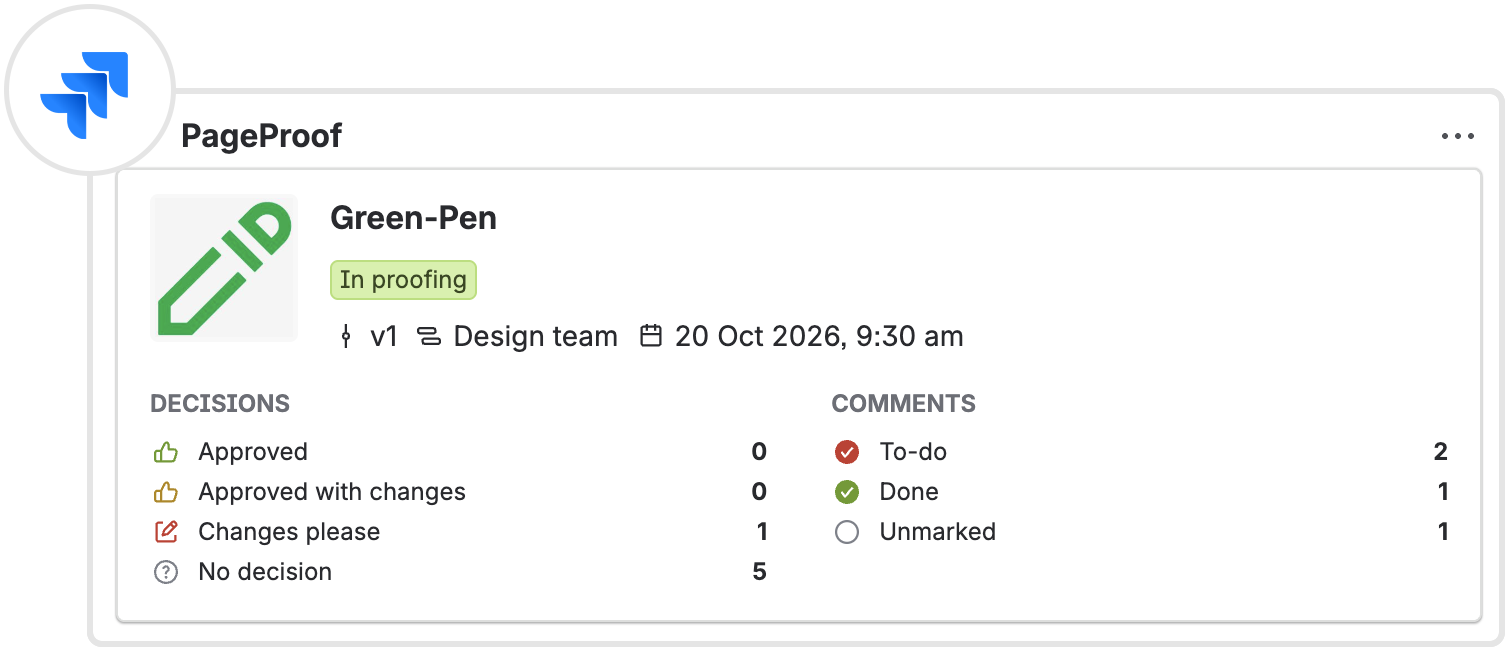
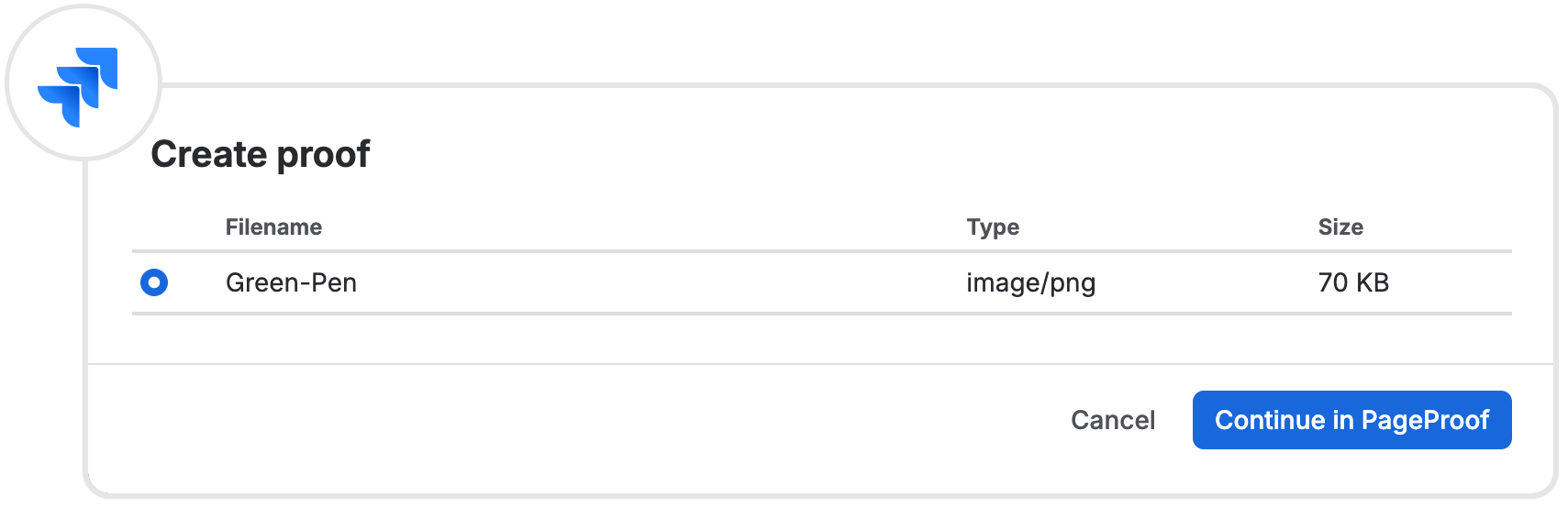
From Jira issue to proof.
Create PageProof proofs directly from Jira issues.
Create a proof from a Jira attachment and send it through PageProof’s review and approval workflow. Or link an existing proof to its Jira issue from the proof setup screen or info pane. Either way, the connection stays visible with an integration pill, helping your team keep creative reviews tied to the project work, see what’s moving, and avoid losing context between tools.
A simple path from approval to delivery.
Approved files arrive automatically.
When a proof reaches final approval, the approved file uploads straight into the linked Jira issue as an attachment. No manual handoff, no version confusion, the finished asset lands exactly where the rest of the team is working.
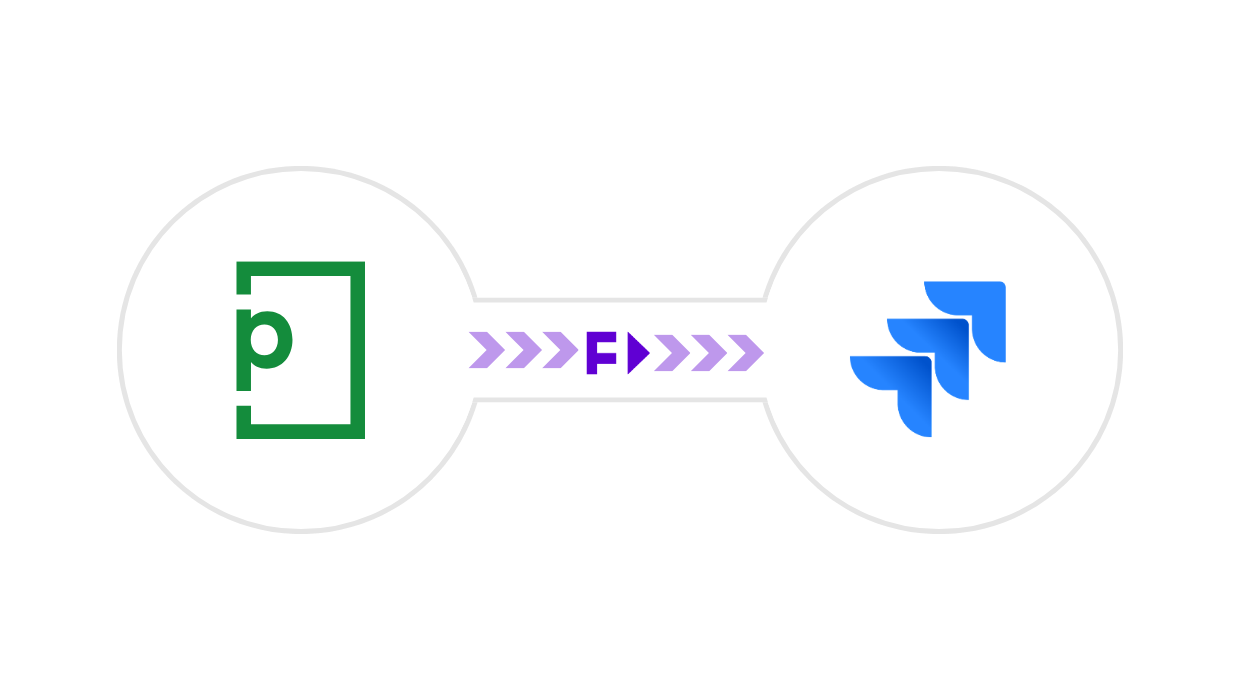

Download the PageProof for Jira app.
Complete connectivity.
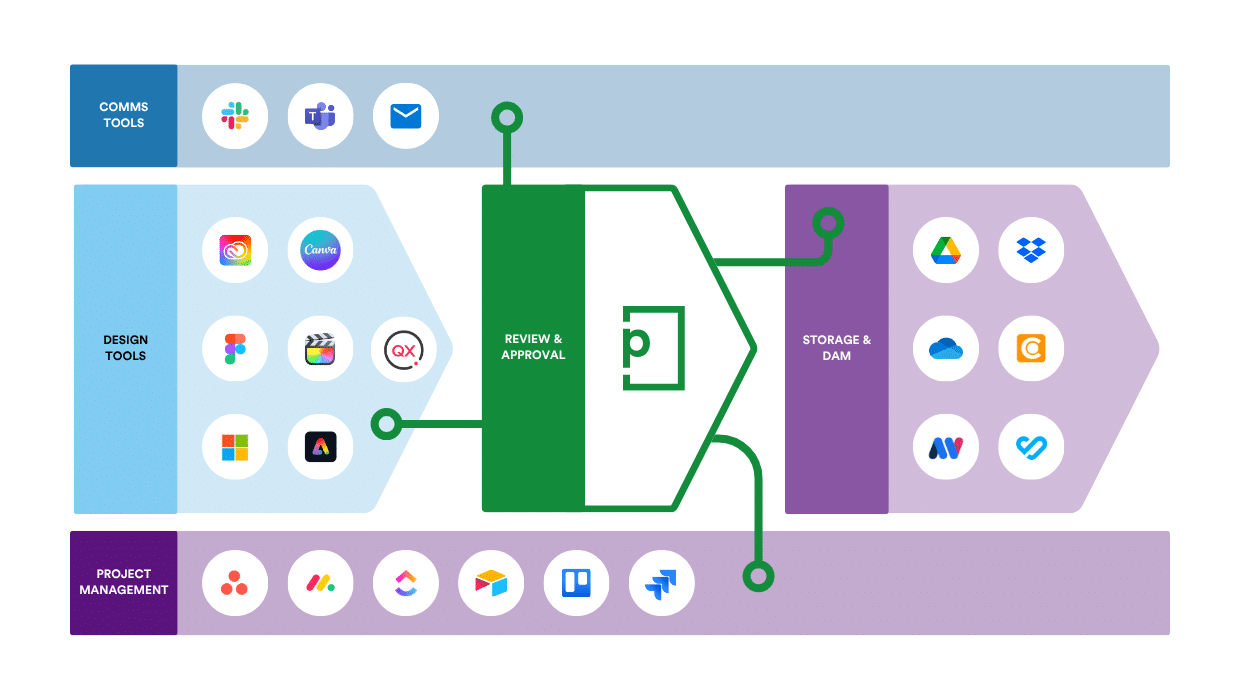
Seamless integrations with your creative tech stack.
- For project managers: Sync proofing details with monday.com, Asana, Airtable, ClickUp, Jira, and Trello.
- For designers and video editors: Create proofs and view feedback directly in Adobe Creative Cloud, Final Cut Pro, DaVinci Resolve, Figma, Canva, and more.
- For proof creators: Access files from OneDrive, Google Drive, Box, Dropbox, MediaValet, Canto and other connected storage platforms.
- For reviewers: Receive proof notifications and updates in Microsoft Teams, Slack, or email.
- For approved files: Automatically deliver final approved files to connected storage, work management tools, and digital asset platforms with FinalFile®.
Frequently asked questions
What does the PageProof integration for Jira do?
The PageProof app for Jira brings creative review and approval into your Jira workflows. Create proofs from Jira issue attachments, link proofs to issues, and see where every proof stands right inside Jira. Your project tracking and approvals stay connected, without anyone switching between tools to find out what's happening.
How does the integration help my team keep projects on track?
See key proof details directly on the Jira issue, including status, version, workflow step, due date, comments, and decisions. Project managers and stakeholders can quickly see what’s approved, what needs changes, and what’s holding up progress — so they can follow up before deadlines slip.
Can I start a review without leaving Jira?
Yes. If a file is attached to a Jira issue, you can create a proof in just a few clicks. There's no need to download it first or upload it again somewhere else.
What happens when a proof is approved?
How is the integration set up?

Darren Gunton
General Manager Marketing
“We switched to PageProof and got 12x the functionality for 12x less cost.”

PageProof provided 12x the functionality for 12x less cost.

Matt Ivan
Senior Graphic Designer
“We spend half the time we used to, and have twice the output as our team did one year ago!”

PageProof doubled the output of the marketing team after 12 months.

Claire de Leon
Creative Manager
“Using PageProof and the monday.com integration sped up our workflow almost 40%.”

PageProof doubled the output of the marketing team after 12 months.
Seamless integrations
We make things easy for your team and your designers with integrations like these:


We support design, prototyping, and email marketing tools like these:


