Figma design review and approval, made easy
Create a proof from your Figma design and manage feedback, review, and approval with PageProof. Use PreProof™ in the PageProof plugin for Figma to check for potential issues while you design, then send work into clear, automated approval workflows.

Get the PageProof plugin for Figma
Review digital designs with clarity.
Online proofing for Figma designs and prototypes
Bring website, app, and digital product designs into PageProof for review and approval. Share a live Figma prototype or export a PDF, SVG, PNG, or JPEG proof. Reviewers can add comments and markups directly on the work, so feedback is clear.

Create proofs without leaving Figma.
Send Figma designs to PageProof in a few clicks
Use the PageProof plugin for Figma to create a proof from a shared URL, PDF, SVG, PNG, or JPEG. Choose export settings such as image resolution, color profile, and bounding box, then send the proof into a PageProof automated approval workflow for review.
Let’s grab a couple of details from you first
No more chasing feedback.
Streamline approvals with automated workflows.
Fly through approvals with automated workflows and reminders — faster turnaround, fewer bottlenecks, and a full audit trail for easy compliance.
- Workflows route proofs to the right people at the right time, with roles to control access.
- Decision thresholds set how many approvals are needed before a proof moves on.
- Reminders chase people automatically, keeping deadlines on track.
- Audit trails log every decision and action for quick compliance checks.
All this — without lifting a finger. Spend more time on what matters, and let PageProof handle the rest.

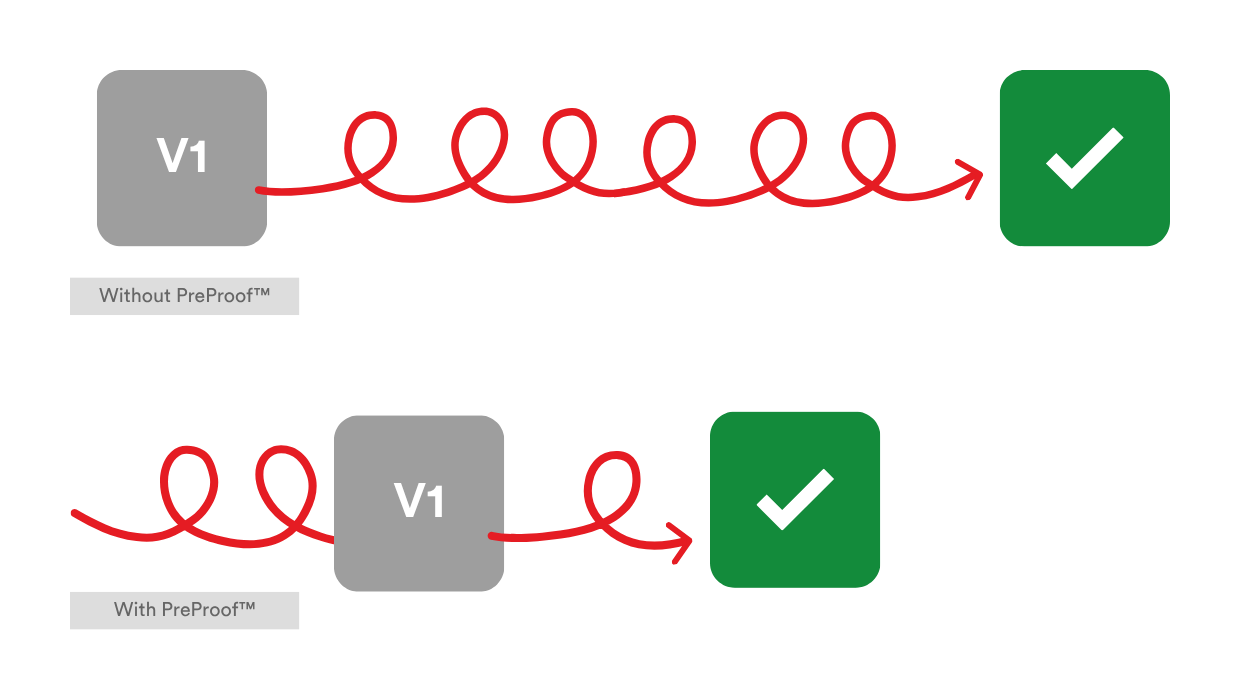
Check your work as you create.
PreProof™ in the PageProof plugin for Figma
Run PreProof™ from within Figma to check your designs before you send them for review. PageProof Intelligence® can highlight potential issues such as spelling, accessibility, layout, and brand requirements, along with rules configured for your team.

Keep feedback close to your design work.
View and action proof comments in Figma
When feedback is ready, view comments in the PageProof panel inside Figma. Reply, @mention reviewers, download attachments, and mark comments as done without switching between tools.
Make Figma designs easier to manage
Use PreProof™ to check designs earlier, then bring feedback and approval together in PageProof. Give reviewers a clear way to comment on Figma work and help designers move from feedback to the next version with less friction.