Dropbox file review and approval with PageProof
Bring Dropbox files into PageProof for clear, structured review and approval. Select files from Dropbox when creating any kind of proof, guide feedback through automated approval workflows with reminders, and automatically deliver the final approved file back to Dropbox with FinalFile®.
Start review from the files you already store.
Create any kind of proof from Dropbox
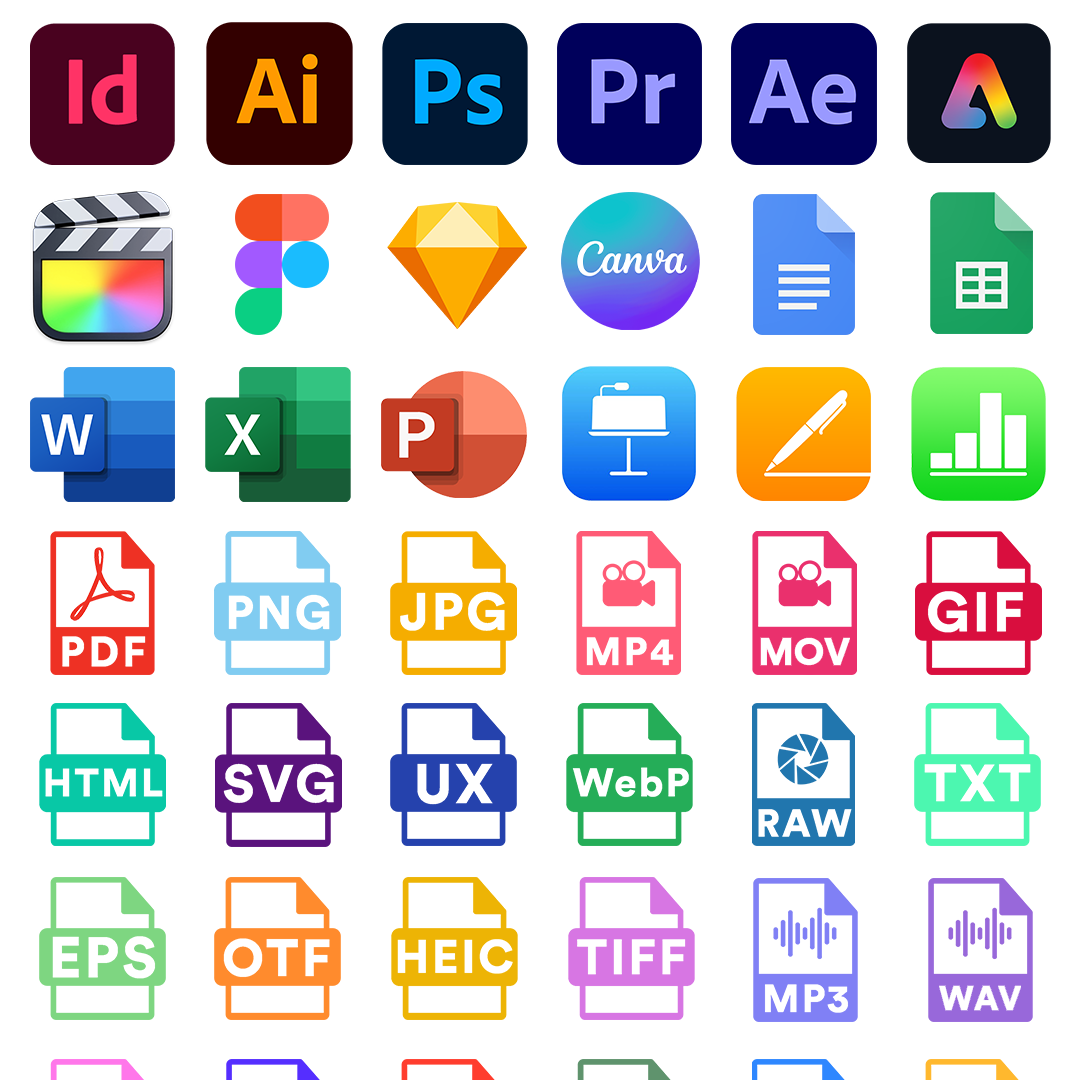
Keep work moving from first review to final approval.
Guide every proof through a clear approval workflow.

More than comments on a file.
Give reviewers tools built for accurate proofing
Google Drive commenting can help people leave feedback. PageProof adds specialist proofing tools that help teams inspect creative work more closely and give designers clearer, more actionable feedback.
-
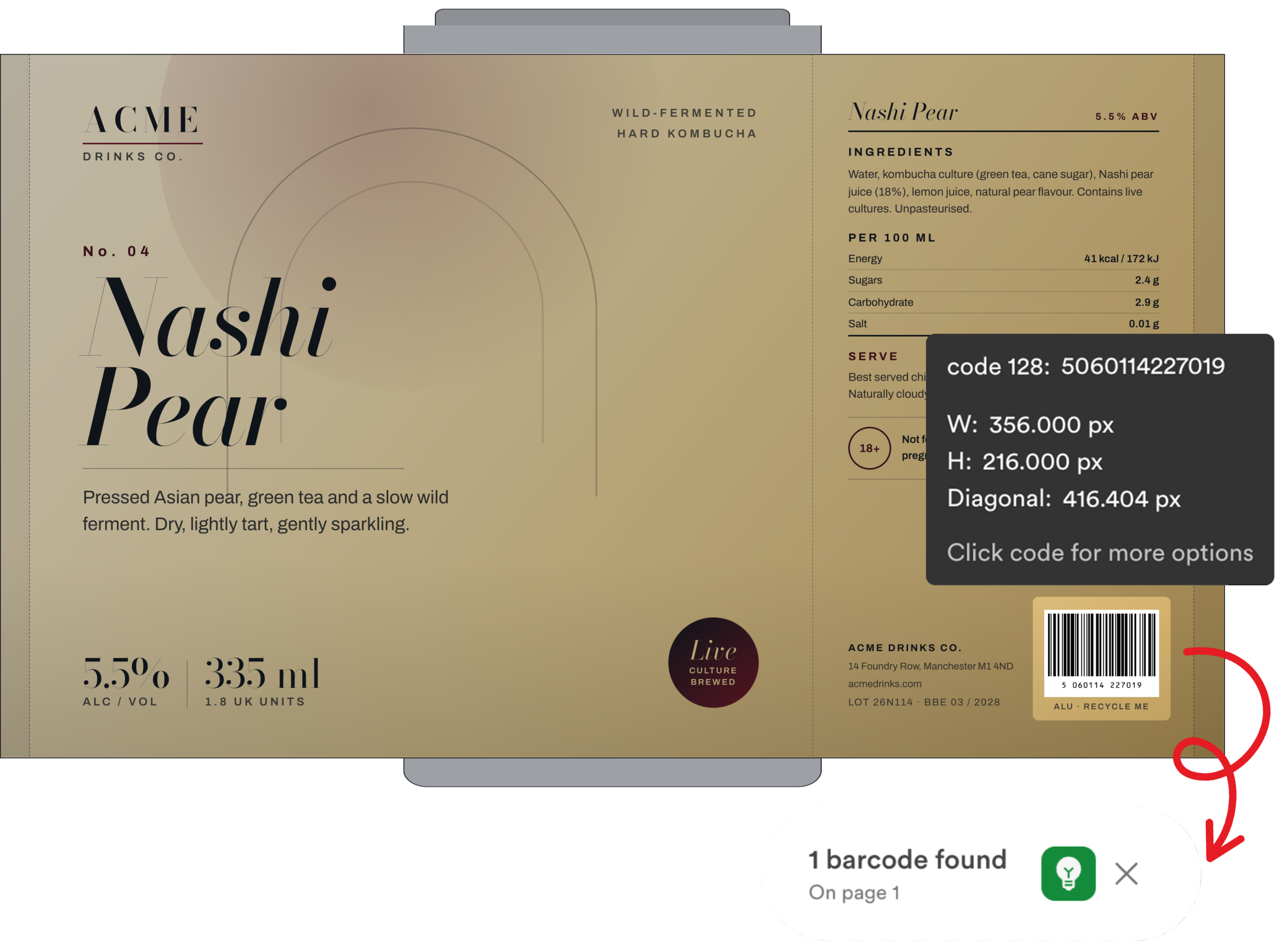
Barcode and QR scanner: Check barcodes and QR codes on artwork.
-
ColorSep®: Review color separations for print production.
-
Gridlines and ruler: Check alignment, spacing, and measurements.
-
Spell Check: Find potential spelling issues in supported proofs.
-
Color Check: Identify contrast issues against WCAG AA and AAA criteria.
-
Smart Compare: Compare versions to quickly spot what has changed.
-
Markup and comments: Pin feedback directly to the work, with replies and @mentions to keep discussion organized.
Get approved work back where your team needs it.
Automatically deliver approved files to Dropbox
With FinalFile® delivery, PageProof can automatically send the final approved file to a chosen Dropbox folder when the proof reaches final approval. Set a delivery tag to determine which proofs are delivered.
Delivery events are recorded in the audit trail, giving your team visibility into when the approved file was sent.

Connect Dropbox storage with a complete review and approval process
Frequently asked questions
Can I create PageProof proofs from Dropbox?
Can PageProof deliver approved files back to Dropbox?
Which PageProof plans include FinalFile® delivery to Dropbox?
Does PageProof replace Dropbox?
What proofing tools does PageProof add beyond Dropbox comments?
PageProof includes tools such as barcode and QR scanning, ColorSep®, gridlines, a ruler, Spell Check, Color Check, Smart Compare, and markups pinned directly to the proof. Available tools depend on the proof type.

Darren Gunton
General Manager Marketing
“We switched to PageProof and got 12x the functionality for 12x less cost.”

PageProof provided 12x the functionality for 12x less cost.

Matt Ivan
Senior Graphic Designer
“We spend half the time we used to, and have twice the output as our team did one year ago!”

PageProof doubled the output of the marketing team after 12 months.

Claire de Leon
Creative Manager
“Using PageProof and the monday.com integration sped up our workflow almost 40%.”

PageProof doubled the output of the marketing team after 12 months.
Seamless integrations
We make things easy for your team and your designers with integrations like these:


We support design, prototyping, and email marketing tools like these:


